Report Canvas
Composable report boards from live GSC, GA4, DataForSEO, and AI visibility data: configure sources, build the canvas, drag modules, and export stakeholder-ready views separate from chat transcripts.
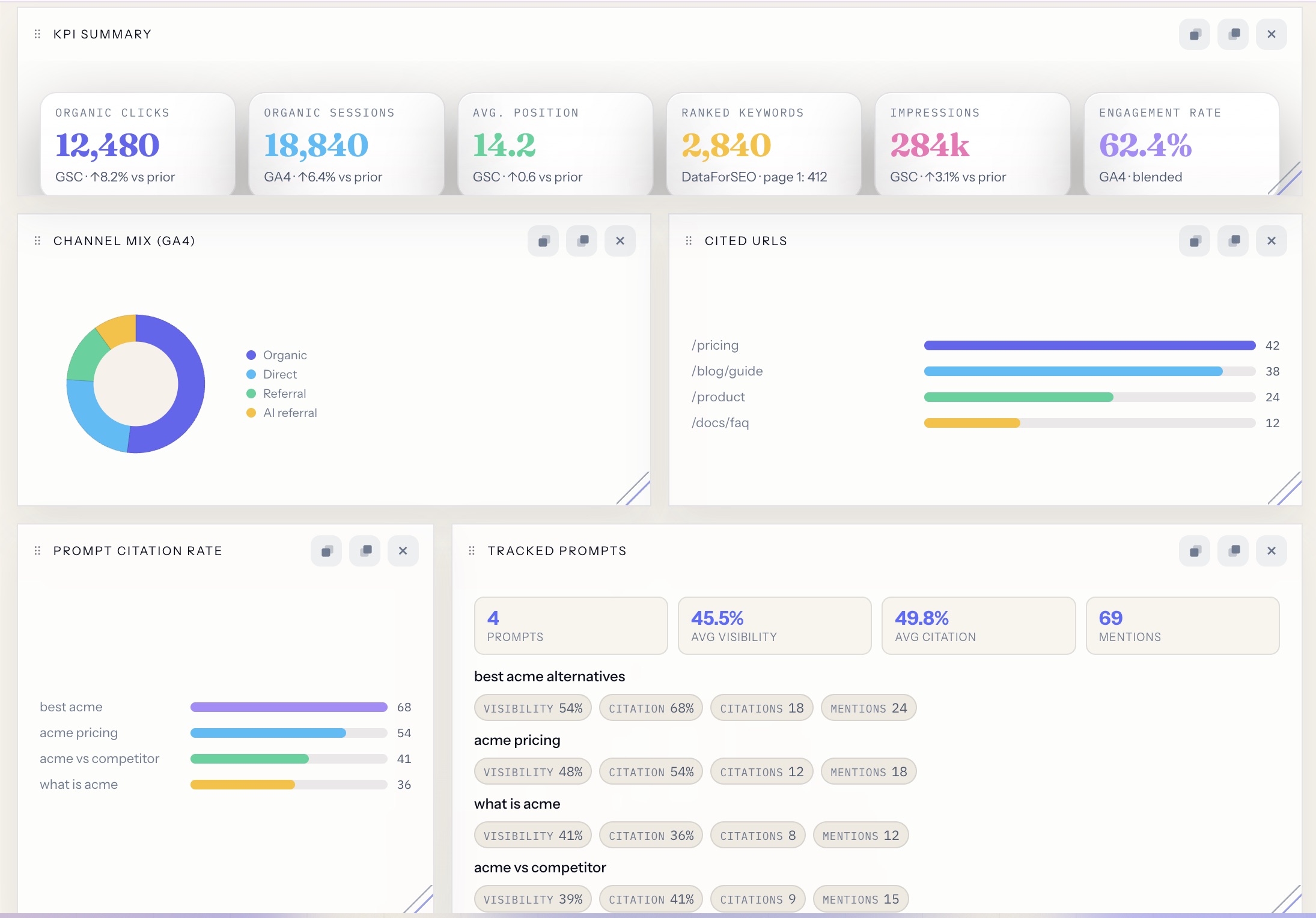
01 Live canvas modules
Modules snap to a grid for KPI summary, channel mix, cited URLs, prompt citation rate, and tracked prompts. Each card is a stable board piece, executive reporting, not a chat log.
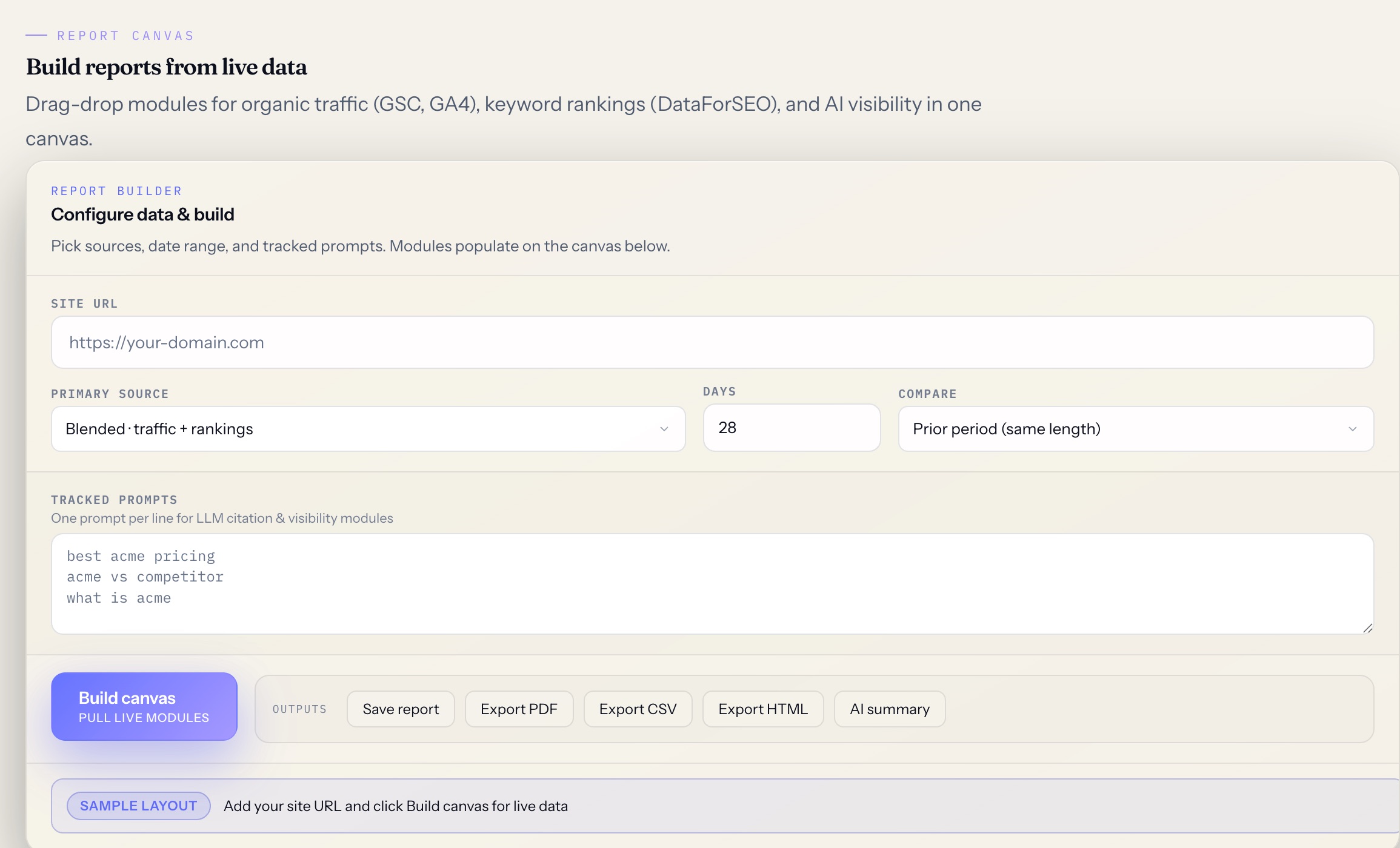
02 Report builder
Pick site URL, blended or single sources, day range, compare period, and tracked prompts. Build canvas pulls live modules; outputs include save, PDF, CSV, HTML, and AI summary.
- GSC, GA4, rankings, and AI visibility in one setup
- Prior-period compare for stakeholder deltas
- Export paths for PDF and spreadsheet handoff
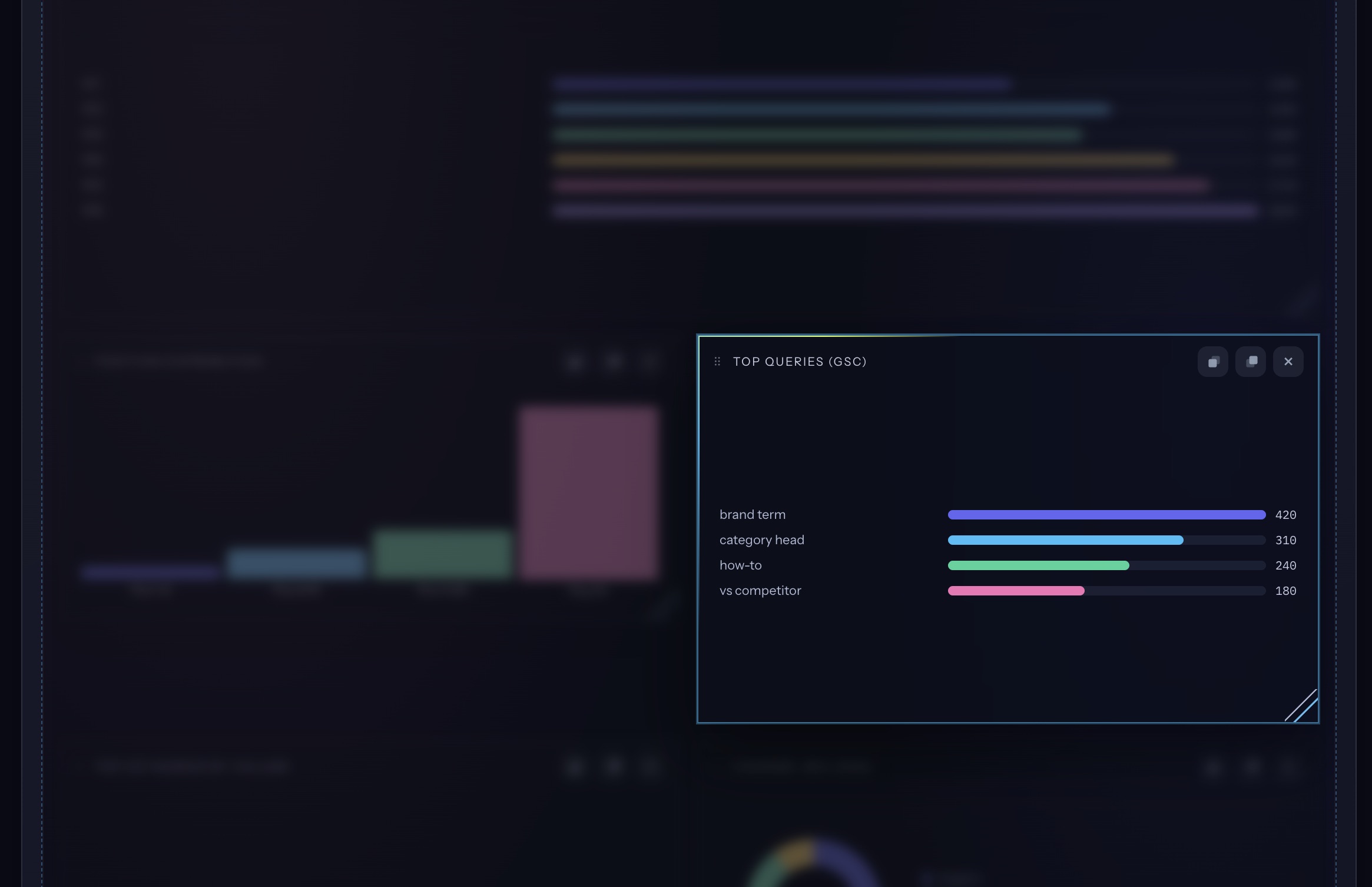
03 Arrange & refine
Drag, duplicate, edit, and resize modules on the board. Focus a single chart (like Top Queries from GSC) while the rest of the canvas stays in context, layouts you reuse for QBRs and weekly monitoring.